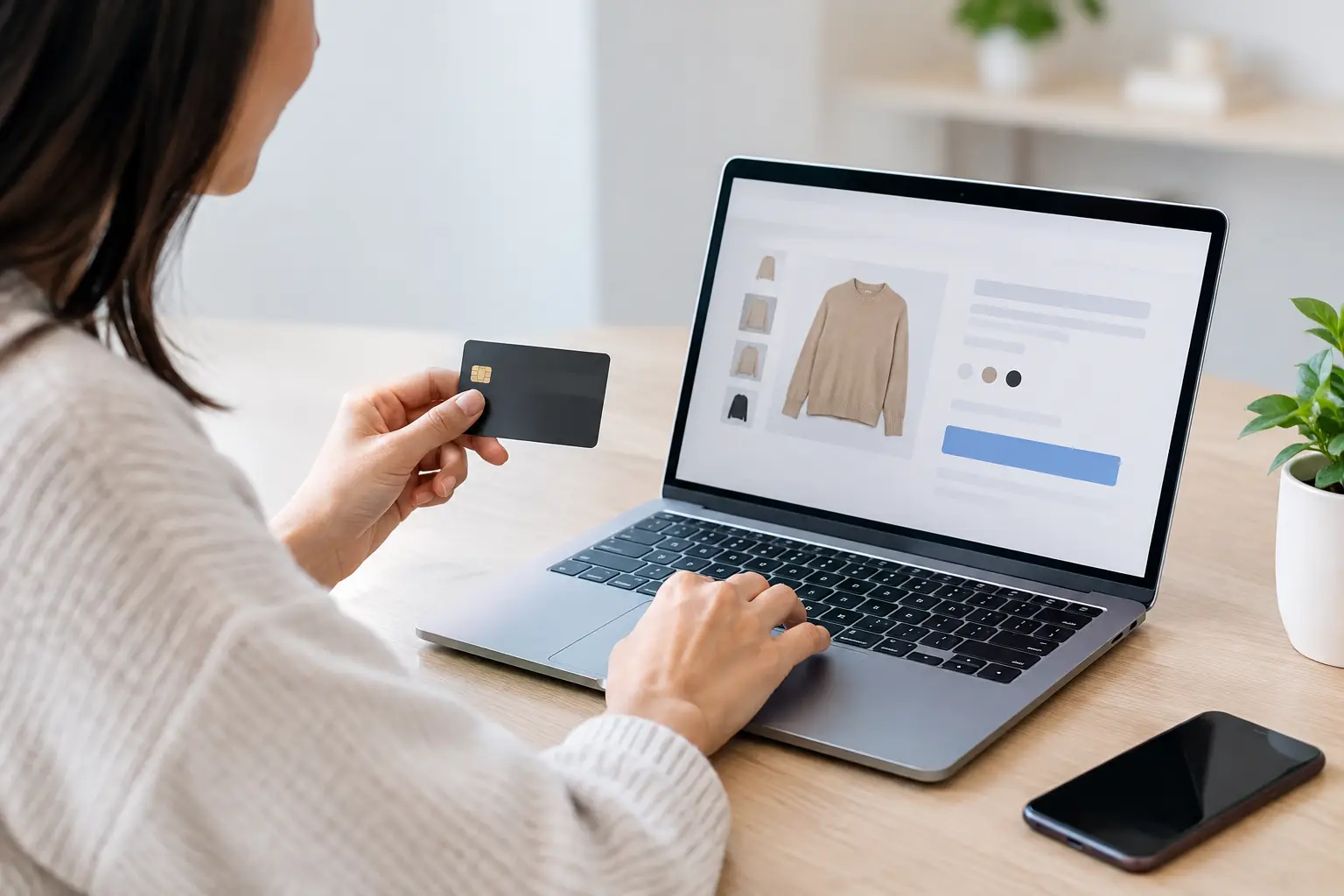
A customer who reaches checkout has already done the hard part. They found your store, considered the product, compared options, and decided they might buy. If they leave now, the issue usually is not traffic. It is friction, uncertainty, or a checkout experience that asks too much before earning the sale.
The best ecommerce checkout improvements do not come from piling on popups, countdown clocks, or random apps. They come from finding the exact point where ready-to-buy customers hesitate, then removing the reason they have to hesitate. That is conversion work tied directly to revenue.
Treat Checkout Abandonment as a Revenue Leak
Many store owners focus on getting more visitors because traffic is easy to see in a dashboard. But sending more paid traffic to a checkout that leaks customers is expensive. If 100 people begin checkout and only 35 finish, small improvements can produce more revenue than another month of ad spend.
Start with the numbers. Review the percentage of visitors who add to cart, begin checkout, enter shipping information, reach payment, and complete an order. The biggest drop tells you where to investigate. Do not assume the problem is your product price just because customers abandon carts. A surprise shipping cost, a required account, a slow mobile form, or a payment method they do not use can stop the purchase just as quickly.
This is why checkout optimization should be handled like a diagnostic process, not a design opinion. Look at analytics, session recordings, device performance, payment errors, support questions, and abandoned-cart feedback. Your customers are already telling you what is broken.
The Best Ecommerce Checkout Improvements Start With Less Work
Every extra field, click, and decision creates another chance for a customer to leave. Checkout should ask only for information required to process and deliver the order.
Make Guest Checkout the Default
Forcing account creation before payment is one of the fastest ways to lose an impulse buyer. A customer may be happy to create an account after the purchase, when they have a reason to track orders or earn rewards. Before the purchase, it can feel like a demand.
Offer guest checkout clearly and keep account creation optional. If repeat purchases matter to your business, allow customers to save their details after the order is confirmed. You protect the first sale while still creating a path to retention.
Cut Form Fields Ruthlessly
A checkout form is not a customer survey. Remove fields that do not affect fulfillment, taxes, fraud prevention, or required communication. In most cases, you do not need a company name, a second address line, a fax number, or multiple marketing preference questions before payment.
Use address autocomplete when your platform supports it. Label fields clearly, show errors next to the field that needs attention, and preserve entered information if something goes wrong. Few experiences are more frustrating than retyping an entire address because one card authorization failed.
Keep the Cart Visible
Customers should be able to confirm what they are buying without leaving the checkout flow. Show product image, quantity, selected options, subtotal, shipping, taxes, discounts, and final total in a clean order summary.
The key is clarity, not clutter. A customer should not have to hunt for the final amount or wonder whether a promotion was applied. If they feel surprised at the last step, they are more likely to close the tab than complete the order.
Eliminate Surprise Costs Before They Become Abandonment
Unexpected shipping charges are a conversion killer because they change the value equation at the worst possible moment. A shopper who felt comfortable paying $45 may react very differently when the final total becomes $58 at checkout.
Show shipping expectations early. That does not always mean promising one flat rate. If shipping depends on location, product weight, or order size, communicate that before the customer reaches payment. A shipping estimator in the cart, clear free-shipping thresholds, and delivery timing language on product pages can prevent a late-stage surprise.
Be careful with free shipping, though. It is not automatically the right answer. For low-margin products, absorbing shipping costs can damage profitability. Test thresholds that raise average order value, such as free shipping above a realistic order amount, rather than making a broad promise that erodes every sale.
Taxes require the same honesty. Customers do not like hidden numbers. They may accept tax, but they do not want the total to look different from what they expected five seconds earlier.
Build Trust at the Exact Moment Money Changes Hands
Checkout is where customers ask a simple question: "Do I trust this business with my money?" Your answer needs to be obvious without looking desperate.
Use a recognizable payment processor, display accepted payment methods, and make your return or refund policy easy to find. Include a real support option, especially for higher-ticket products. A visible phone number, email address, or concise help message reassures buyers that a legitimate business stands behind the transaction.
Trust signals work best when they are specific. "Secure checkout" is fine, but it is weak on its own. Clear delivery expectations, real product reviews, transparent return terms, and an accessible support channel carry more weight because they address what customers actually fear: fraud, disappointment, and being ignored after payment.
Avoid turning checkout into a badge collection. Too many seals, logos, and claims can make the page look less credible. One or two strong confidence builders are better than a crowded wall of generic trust icons.
Make Mobile Checkout a Priority, Not a Resize Job
A checkout that works on a desktop monitor can still fail badly on a phone. Small screens make forms feel longer, typing is slower, and a poorly placed button can create immediate frustration.
Test your full purchase flow on actual mobile devices. Check whether the keyboard covers important fields, whether error messages are readable, whether the order total remains accessible, and whether buttons are large enough to tap comfortably. Page speed matters here too. A customer on cellular data will not wait around for a payment page that drags.
Mobile wallets can make a material difference because they reduce typing and let shoppers use stored payment details. Options such as Apple Pay, Google Pay, PayPal, and Shop Pay can shorten checkout dramatically, depending on your platform and audience. Offer the options your customers already recognize. Adding every possible method can create clutter and operational complexity.
Use Payment Flexibility Without Creating Confusion
Not every buyer wants to pay the same way. Card payments remain essential, but digital wallets and buy-now-pay-later options may help certain products convert, especially when the order value is higher.
The right mix depends on your customer and your margins. Financing options can increase conversion and average order value, but provider fees may cut into profit. Alternative payment methods can also create reconciliation and customer-service considerations. Measure completed orders, not just clicks on a payment button, before deciding a method is worth keeping.
If you sell locally around Ocala or serve customers who prefer to call before making a larger purchase, make that path visible without interrupting online buyers. A clear support contact can save a sale that would otherwise disappear. Just do not force every buyer into a phone call when they are ready to check out online.
Stop Distracting Buyers Near the Finish Line
Checkout is not the place for a full navigation menu, competing promotional banners, or an aggressive email capture popup. Once a shopper enters checkout, the job is to help them finish.
Remove unnecessary exits from the page. Keep branding consistent so buyers know they are still on your site, but simplify the visual environment. The primary action should be unmistakable: continue to payment or place order.
Upsells require restraint. A relevant add-on can raise order value, but an intrusive offer can delay or derail the original purchase. If you test an offer, make it easy to decline and never hide the checkout button behind it. Protect the sale you already earned before chasing a larger one.
Recover Abandoned Checkouts With a Useful Follow-Up
Even a strong checkout will not convert everyone. People get interrupted, compare options, lose signal, or simply need more time. A well-timed abandoned-checkout sequence gives those buyers a reason to return.
Your first message should be simple: remind them what they left behind and provide a direct path back to their cart. Follow with practical reassurance if appropriate, such as inventory availability, delivery details, customer support, or a clear return policy. Discounts can work, but do not train customers to abandon checkout just to receive a coupon.
Segment the follow-up when possible. A customer who abandoned a $20 accessory may need a brief reminder. A customer considering a $1,500 product may need answers, proof, financing information, or a chance to speak with someone. The higher the purchase risk, the more your recovery message should reduce uncertainty instead of shouting urgency.
Test One Checkout Change at a Time
The fastest way to waste money is to redesign everything, see a slight change in sales, and have no idea what caused it. Prioritize one meaningful friction point, create a hypothesis, and measure the result against a clean baseline.
For example, test guest checkout visibility, a shorter form, earlier shipping estimates, or a mobile wallet. Watch conversion rate, completed revenue, average order value, refund rate, payment failures, and profit. A change that raises orders but increases fraudulent transactions or low-value discount usage is not automatically a win.
Jeff Norton Digital approaches conversion problems this way: identify the leak, fix the priority issue, and tie the work back to revenue rather than vanity metrics. Your checkout is not just a technical page. It is the final salesperson in your business.
Your next step is simple: complete a purchase on your own site from a phone, with no insider knowledge and no patience. Every moment that feels unclear, slow, or unnecessary is a moment your customers may choose a competitor instead.